 Tap your phone here or scan the QR code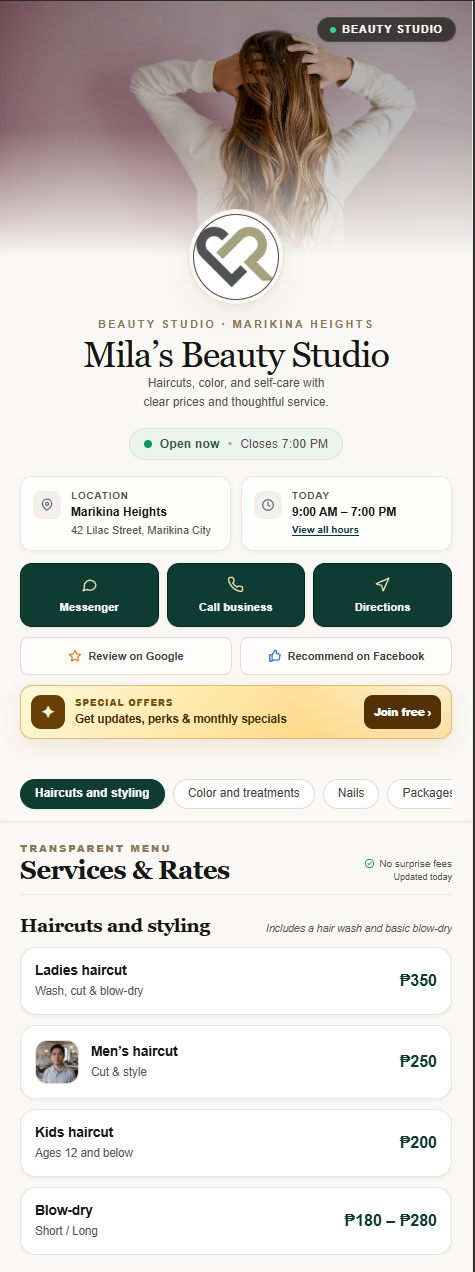
Build your page
Add your business details, prices, photos, and current offer.
 Log in
Give customers one page for your prices, hours, directions, offers, reviews, and contact details—opened by link, QR, or a phone tap on your standee.
No customer app Mobile owner dashboard Start free · Grow from ₱599/month
Stop answering the same questions
Your information should not be buried across Facebook posts, Messenger conversations, photo albums, and outdated listings. Tapyo puts every important answer in one clear mobile page.
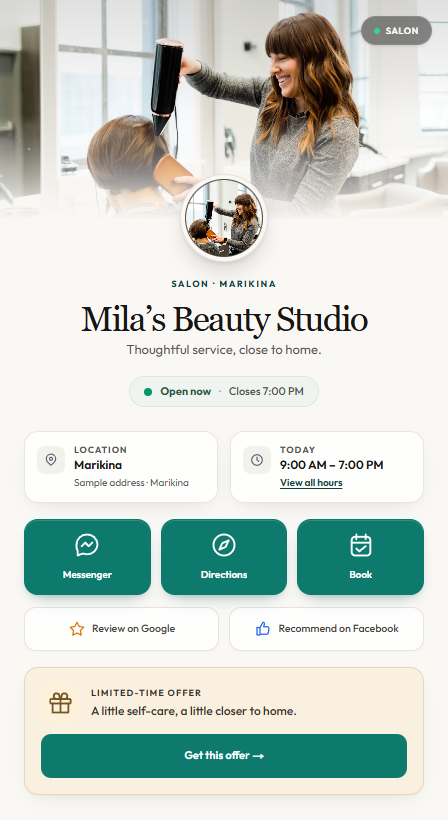
From setup to customer action
Add your business details, prices, photos, and current offer.
Put the compact 4 × 6 standee where customers can see it.
Customers open your page and take the next step immediately.
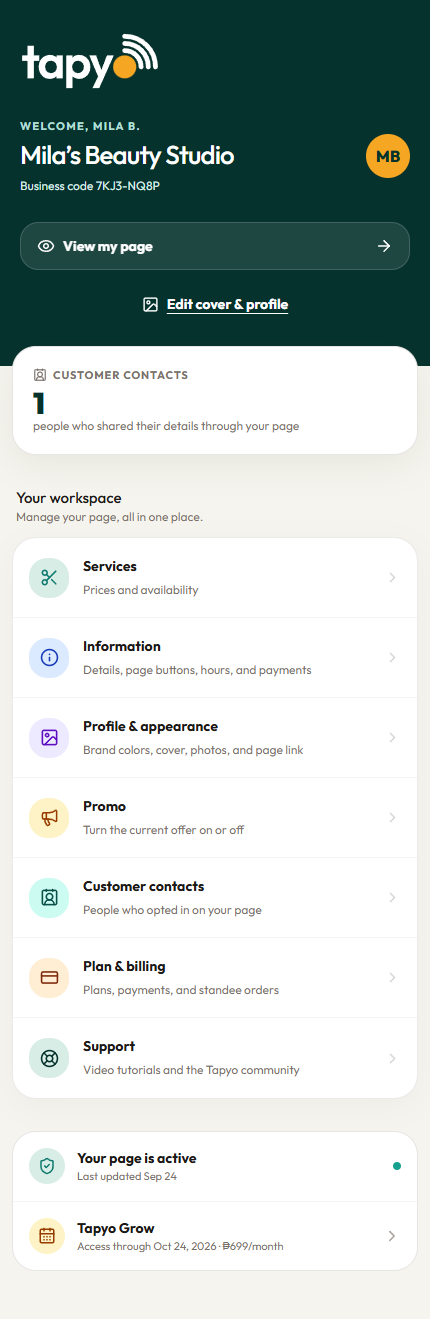
Made to be managed from your phone
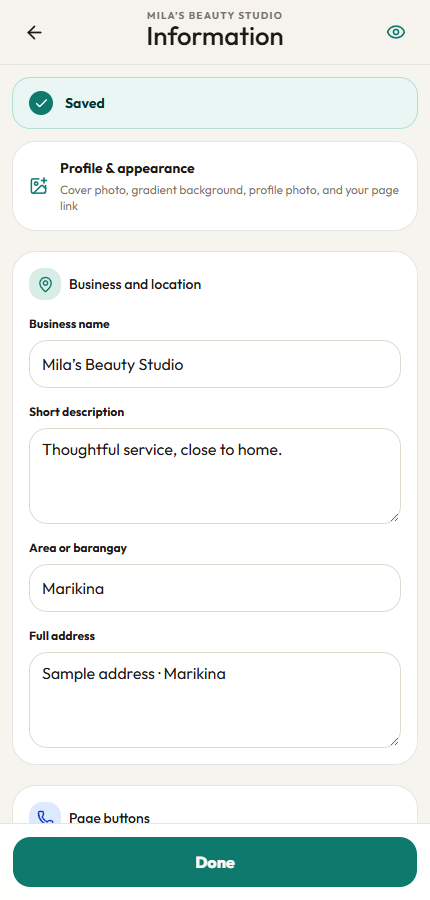
Open your owner dashboard, choose what changed, edit it, and save.
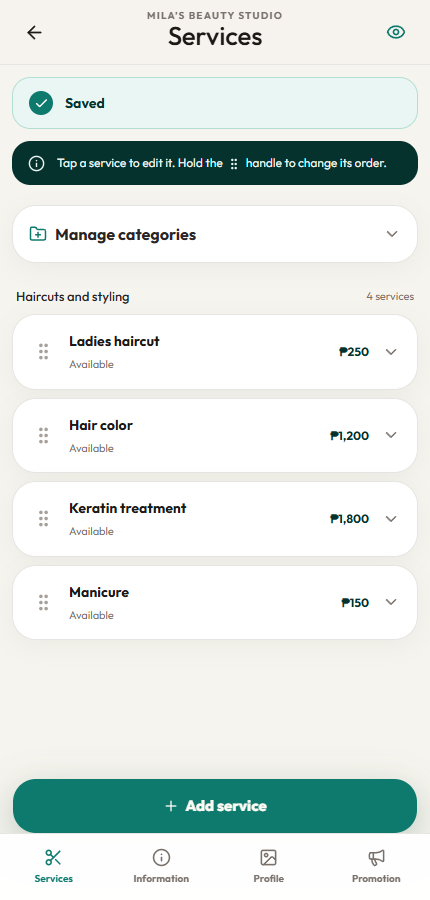
Keep your prices and availability up to date.
Manage your hours, location, and contact details.
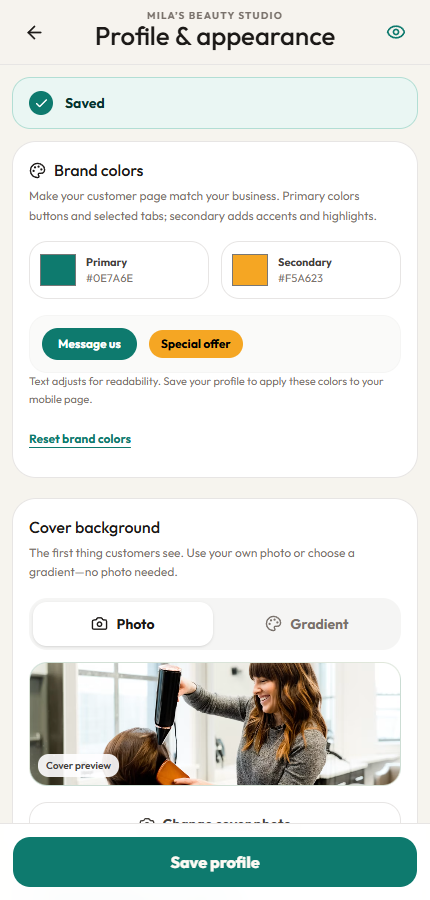
Make your page feel like your business.
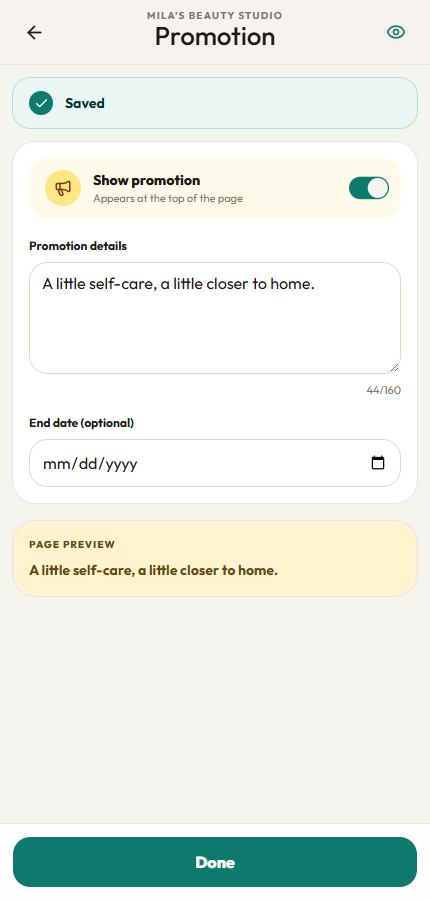
Give your latest offer a place to shine.
Meet your Tapyo AI assistant
Give customers a helpful place to ask about your services, prices, hours, and location—right on your Tapyo page.
Let customers ask in Taglish, Filipino, or English. Your assistant uses your published business details and the answers you provide.
Choose a name, upload a photo, match your brand color, and test a conversation before turning it on.
Four quick questions make services, hours, booking, and location easy to find. Add your own answers in the dashboard.
Guide customers to your contact or booking page. With active Grow lead capture, they can also choose to leave their details for follow-up.
AI can make mistakes. When it cannot confirm an answer, it directs customers to your business. Bookings and payments are confirmed through your existing channels.
Mia
Your sample salon’s AI assistant
Powered by Tapyo
Interactive example · Sample replies
Hi! Ako si Mia. May tanong ka sa services, prices, o schedule? Happy to help!
Try one of the four questions above.
Available with Tapyo Grow
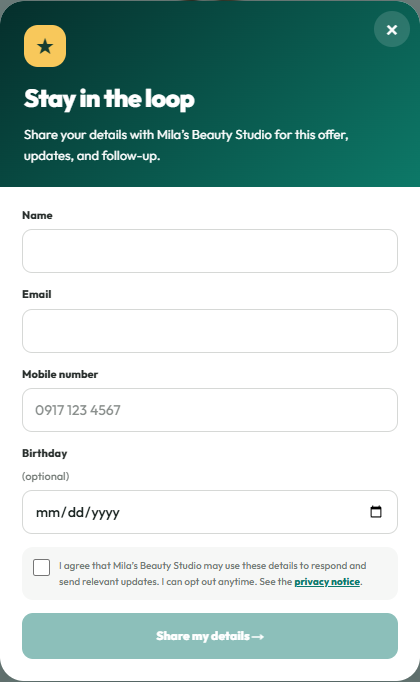
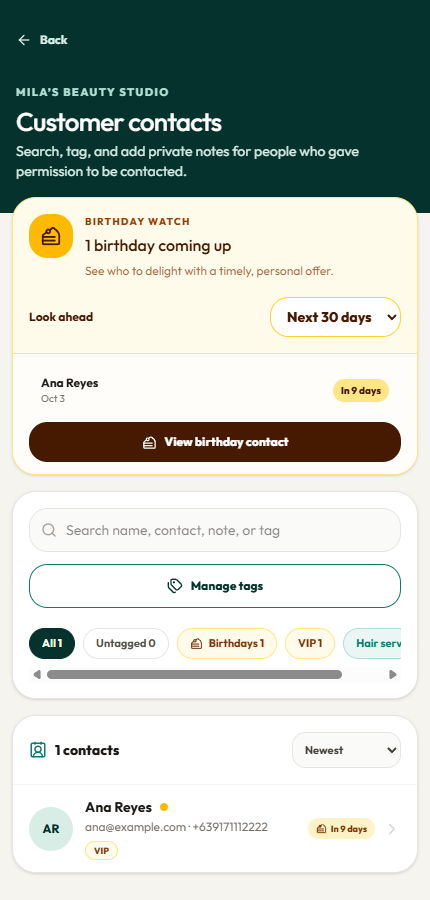
Invite interested customers to share their name, email, mobile number, and optional birthday month and day. Every opt-in is saved in your dashboard with clear consent and a privacy notice.
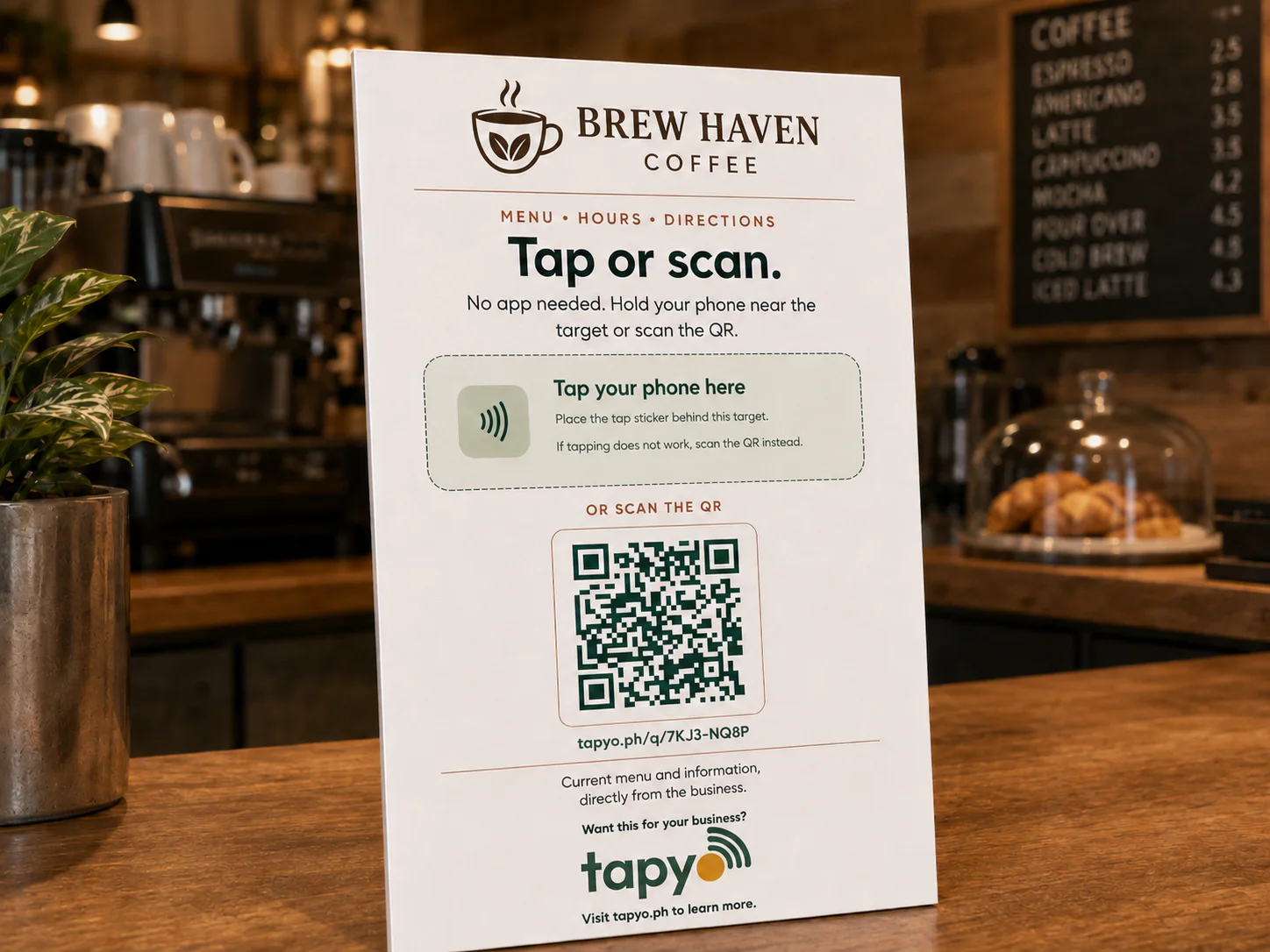
One standee. Two ways to connect.
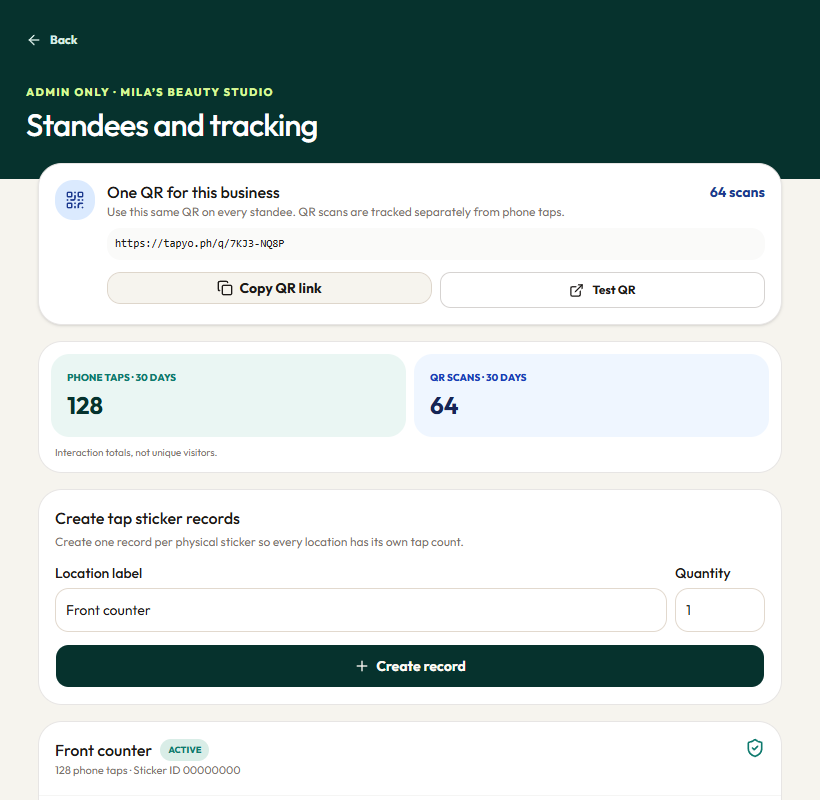
Customers can tap their phone on the standee or scan the printed QR code. Tapyo tracks those interactions separately, and every standee can have its own tap count.
Prepaid plans, no automatic renewals
Start free, or choose 1, 6 or 12 months of prepaid access. Grow + AI includes your own customer-facing AI assistant.
Every plan includes your business page, QR link and preset FAQ chat.
Paid plans are prepaid. No automatic renewal. Allowances reset monthly.
Your business page and first customer contacts.
₱0Free plan · no payment required
Turn visitors into contacts you can reach again.
₱599for 1 month, prepaid
Turn customer questions into new opportunities.
₱999for 1 month, prepaid
Free and Grow use saved FAQ answers, with no AI calls. Standees are optional and sold separately.
New contact collection pauses until reset or upgrade. Your page, FAQ answers, contact buttons, existing contacts and appointments remain available.
On the first day of each month at midnight Philippine time. Unused allowance does not roll over. Upgrading increases the limit without resetting usage.
After the 14-day paid grace period, your page continues on Free. Existing contacts remain accessible. AI switches to preset FAQ answers.
Submit a short business application. We review your information, then grant access and send an activation SMS after approval. No payment or standee purchase is required.
Photos are compressed, with a 2 MB prepared-file limit and account storage protection. Your upload screen explains when a limit is reached.
Tapyo standee
Print-ready 4 × 6 format with phone tap and QR access.
All plans are prepaid. No automatic subscriptions or renewals. A 14-day grace period follows expiry; renew before it ends to keep your page active.
Official Facebook group
Connect with local business owners, share practical ideas, and grow together with the Tapyo community.
Questions, answered
Your assistant answers questions using your business details and FAQs, in Taglish, Filipino, or English. Give it a name and photo, test it in your dashboard, and turn it on when you are ready. It can guide customers to your contact and booking options; it does not confirm bookings or payments.
No. They tap their phone on the standee or scan the QR code, and your page opens in their browser.
Yes. Use the mobile owner dashboard to update your services, prices, hours, photos, promotion, contact details, and page link.
No. Your standee keeps opening the same Tapyo page. Save your changes and customers will see the updated information.
It works on compatible iPhone and Android phones. The printed QR code is always available as a fallback.
Yes. Tapyo reports phone taps and QR scans separately. These are interaction totals, not unique visitors.
Stop making customers search through old posts or wait for answers. Give them one page they can open with a tap or scan.
Message us on MessengerStart free · Paid plans from ₱599/month · No automatic renewal